
Industrial Colour Label Printing & Finishing
Compare the Afinia L801 PRO and L901, and discover a coordinated label finishing workflow with the DLF-220S Dual.
Printing and finishing, together
Choose the printing platform that suits your needs, then assess the compatible finishing workflow.
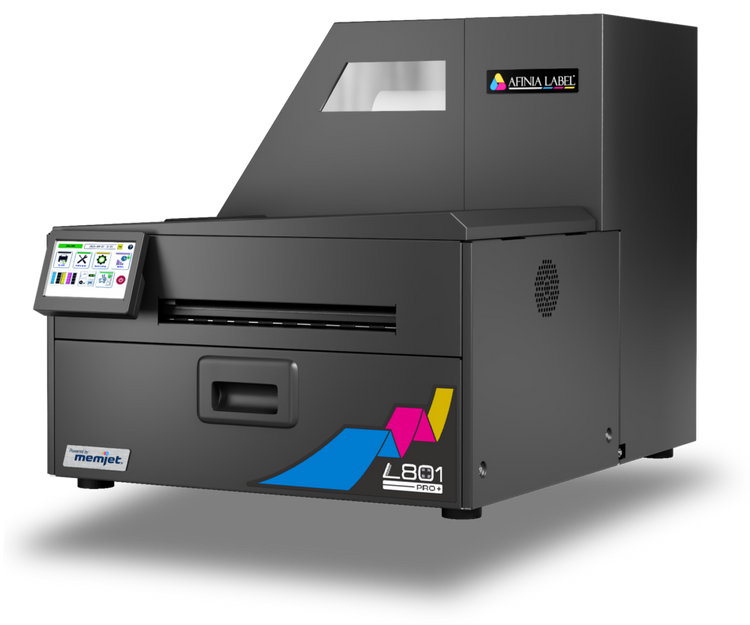
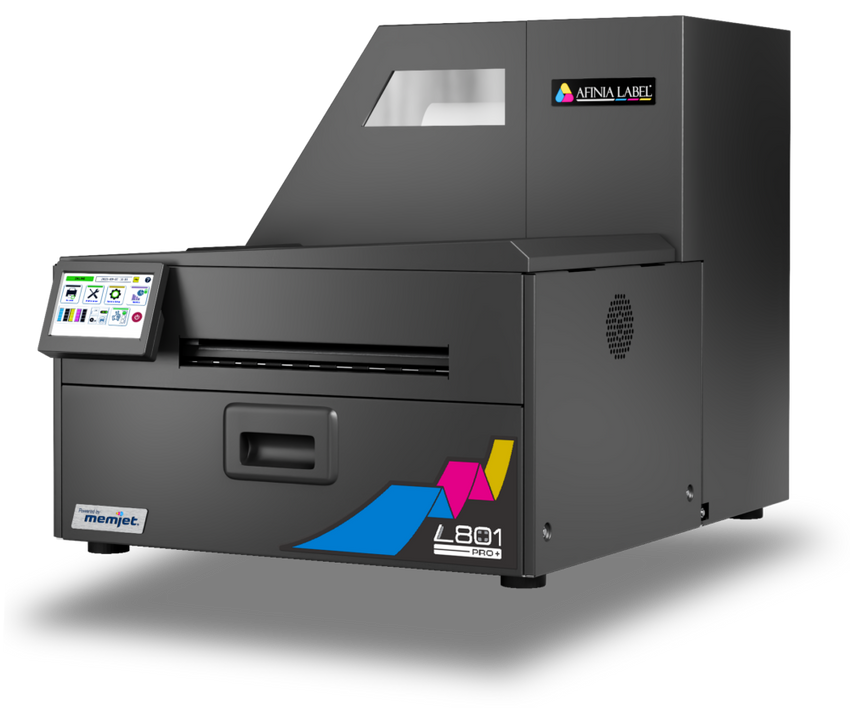
Afinia L801 PRO
Industrial colour label printing option for operations evaluating in-house roll production.
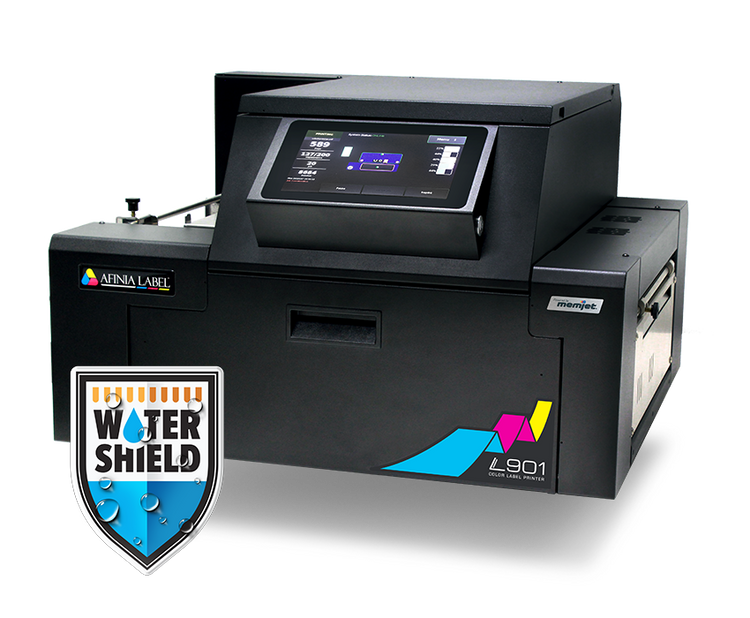
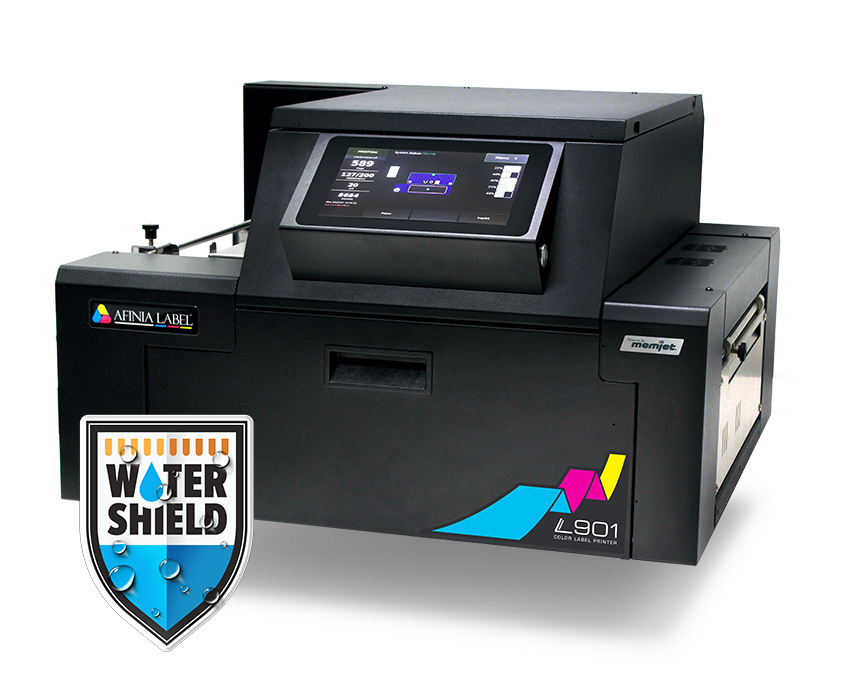
Afinia L901
On-demand full-colour roll printing for multiple products, changing designs and varied job quantities.
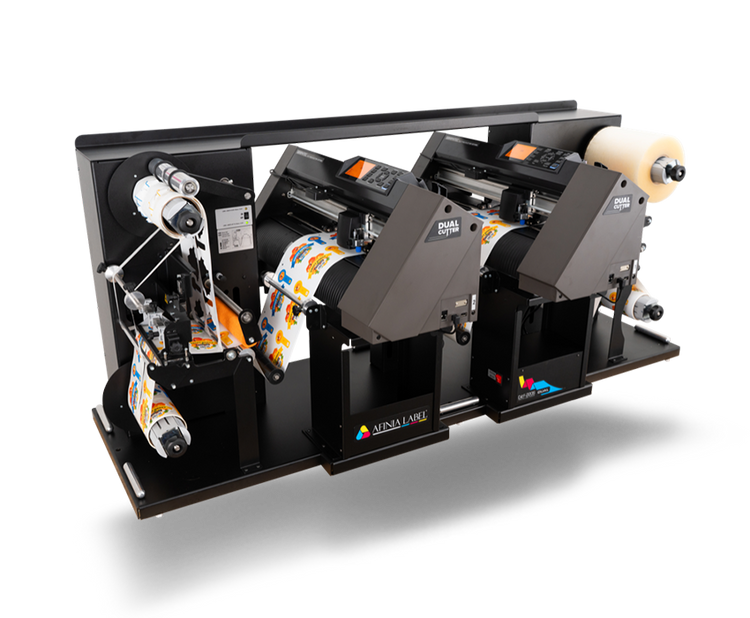
DLF-220S Dual
Dual-head die-free contour cutting, with optional lamination, matrix removal, slitting and rewinding.
How the workflow operates
The printer and finisher are complementary stages, not a single inline machine.
Artwork preparation
Prepare print-ready artwork and cut paths; check media, registration and file compatibility.
Digital colour printing
Produce full-colour label rolls using approved stock and appropriate print settings.
Digital finishing
Transfer printed rolls for contour cutting, optional lamination, waste removal and slitting.
Finished label rolls
Rewind labels for application, packing or delivery.
Operational benefits
Reduce reliance on external production schedules.
Handle multiple designs, shapes and SKUs.
Change label shapes without ordering new physical cutting dies.
Combine printed graphics, precise cutting and optional lamination.
Review and expand the workflow as demand increases.
Best-fit applications: Commercial label printers, food and beverage, cosmetics, contract packing, manufacturers and in-house print departments.
Technical considerations
Printer and media
- Confirm media, required label width, ink suitability and intended duty cycle.
- Validate artwork, substrates, run lengths and label shapes using real samples.
- Assess printer-to-finisher roll compatibility and throughput.
DLF-220S Dual
- Maximum web width: 225 mm
- Maximum cutting width: 200 mm
- Maximum input/output roll diameter: 200 mm
- Maximum media thickness: 0.25 mm
- Finishing software: Windows 10 or later (per referenced brochure); two USB ports for plotters; macOS not supported
Recommended next steps
- Review sample artwork, sizes, substrates, run lengths and shapes.
- Test representative print and finishing jobs.
- Arrange a demonstration or sample evaluation, subject to availability.
- Confirm installation, training, support and supply requirements with PGI.
Discuss your label production requirements
Talk to PGI about equipment suitability, sample evaluation, demonstrations and the right configuration for your operation.
Contact PGI